A shoebox of receipts,
organized in seconds.
Share a receipt straight from Mail, or add a photo or PDF, and Costfolio reads the merchant, date, and total, sorts it by category, and gets it ready to export — on iPhone, iPad, and Mac.
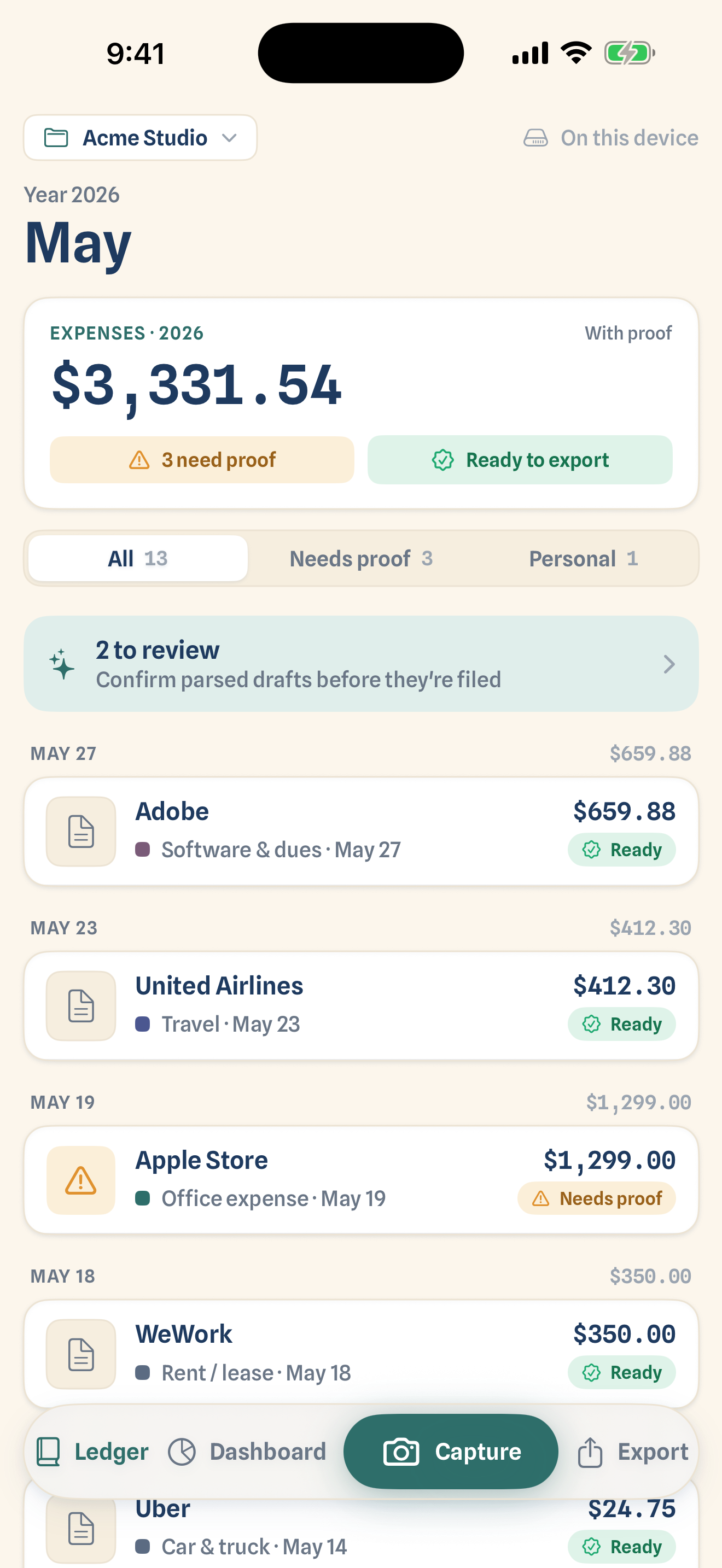
Add it, and it's already sorted
Got a receipt in your email? Share it straight into Costfolio from Mail, Files, or Safari. Or add a photo or PDF from your library. Costfolio reads it on the spot and files it into the right category. You just confirm.
- ✓Share it in — from Mail, Files, or Safari, straight into a project
- ✓Or add your own — a photo or PDF from your library
- ✓Reads the details — merchant, date, total, and tax, on device

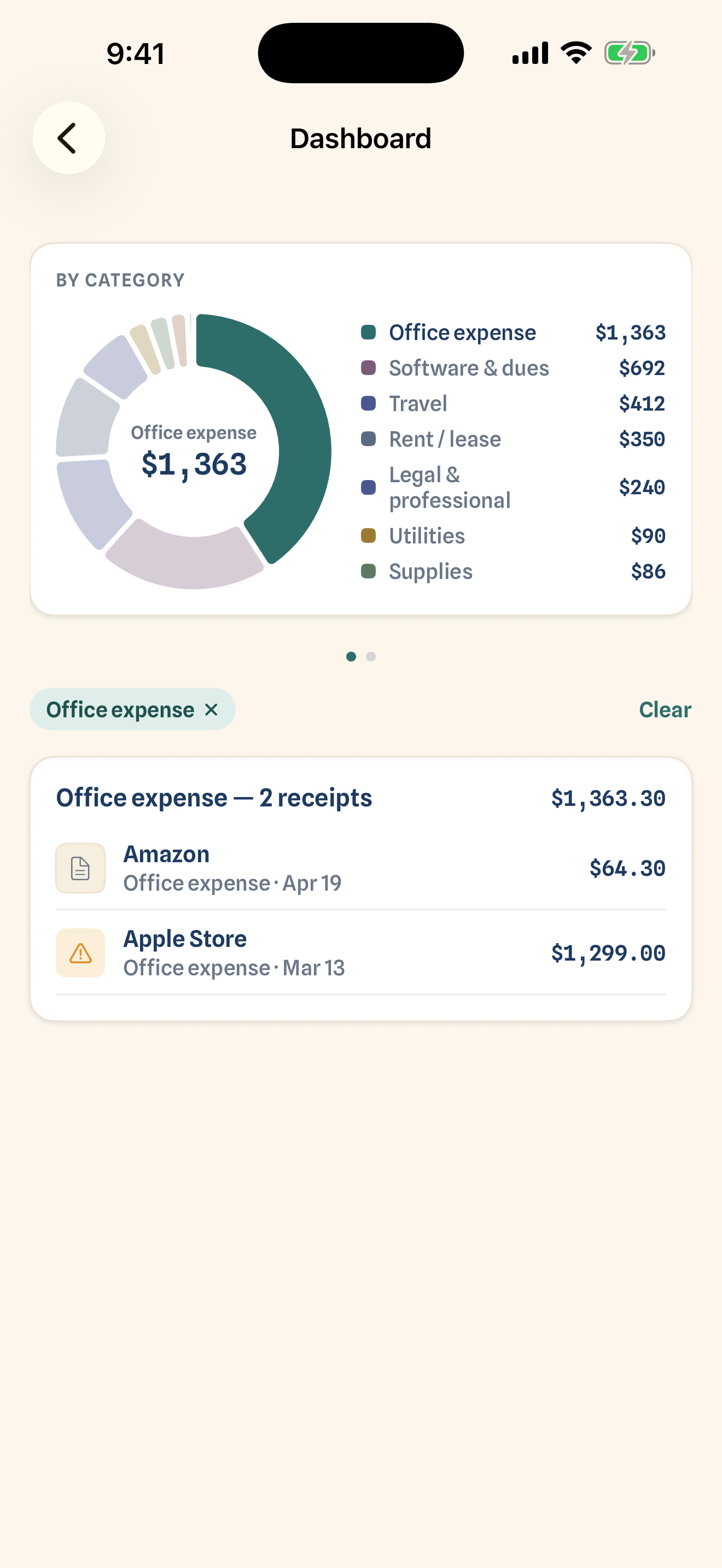
See exactly where the money goes
A category donut you can tap into and a month-by-month spend chart. Pick a category or a month and drill straight into the receipts behind it.
- ✓Category breakdown — a clean donut of this year's spend
- ✓Monthly trends — watch spending rise and fall over the year
- ✓Tap to drill in — from chart to the receipts behind it
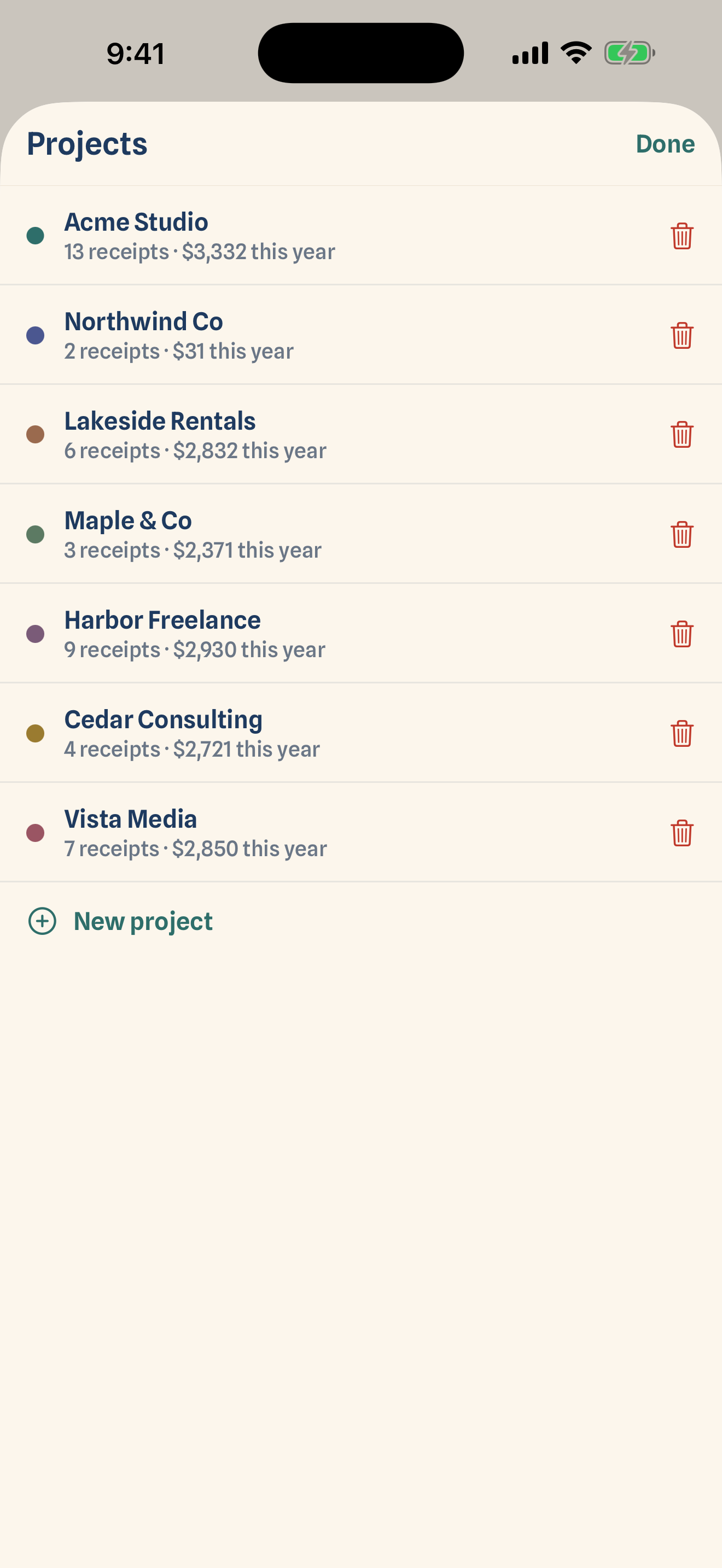
Keep every project separate
Track multiple projects or clients side by side. Each one keeps its own receipts, categories, and export bundle — nothing gets mixed together.
- ✓A ledger per project — clean books for each one
- ✓Personal stays personal — kept out of your totals
- ✓Move in one tap — filed to the wrong place? Just reassign
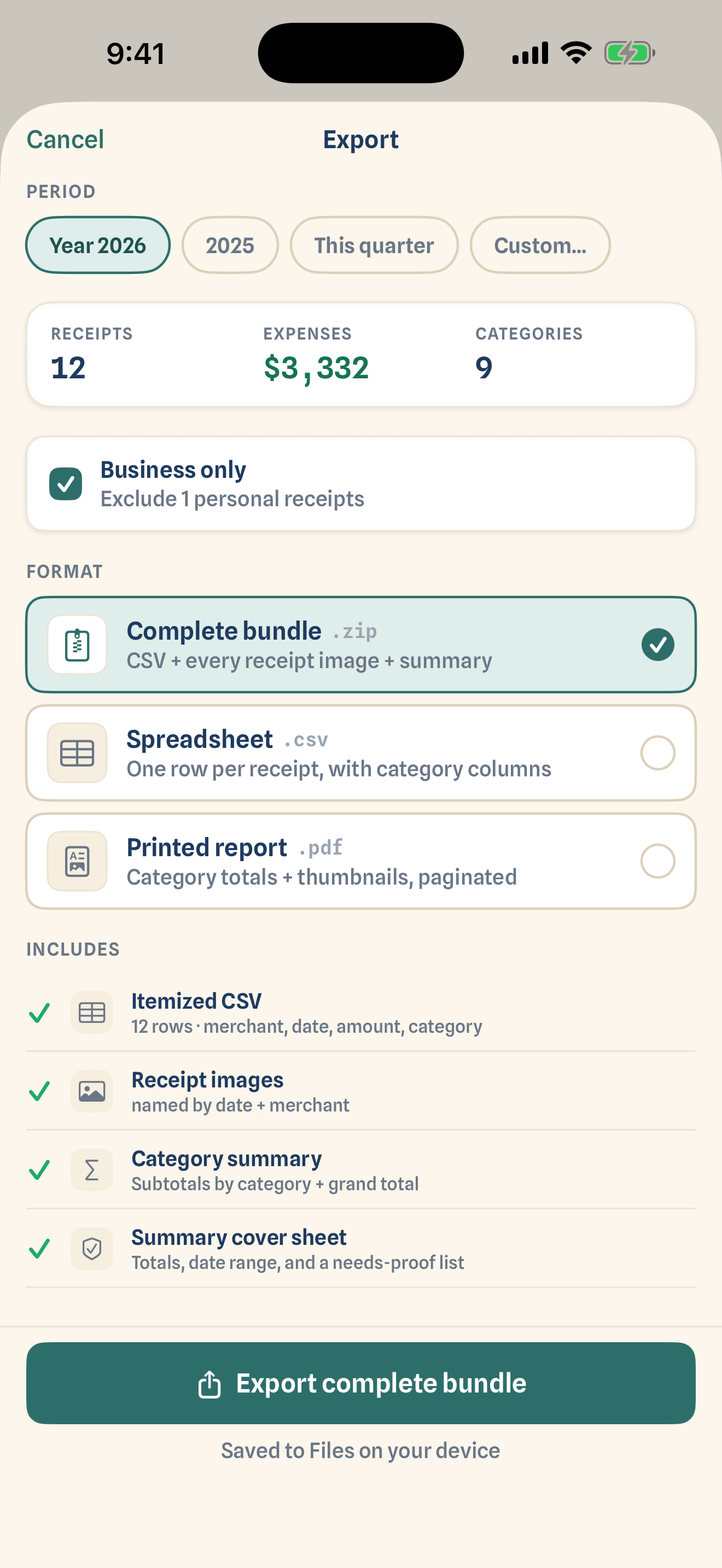
A clean bundle, in one tap
When it's time to hand things to your accountant, export everything in one tidy zip — not a shoebox.
- ✓Itemized CSV — one row per receipt, with category columns
- ✓Every receipt image — named by date and merchant
- ✓Category summary — subtotals by category, printable
Your whole ledger,
full width
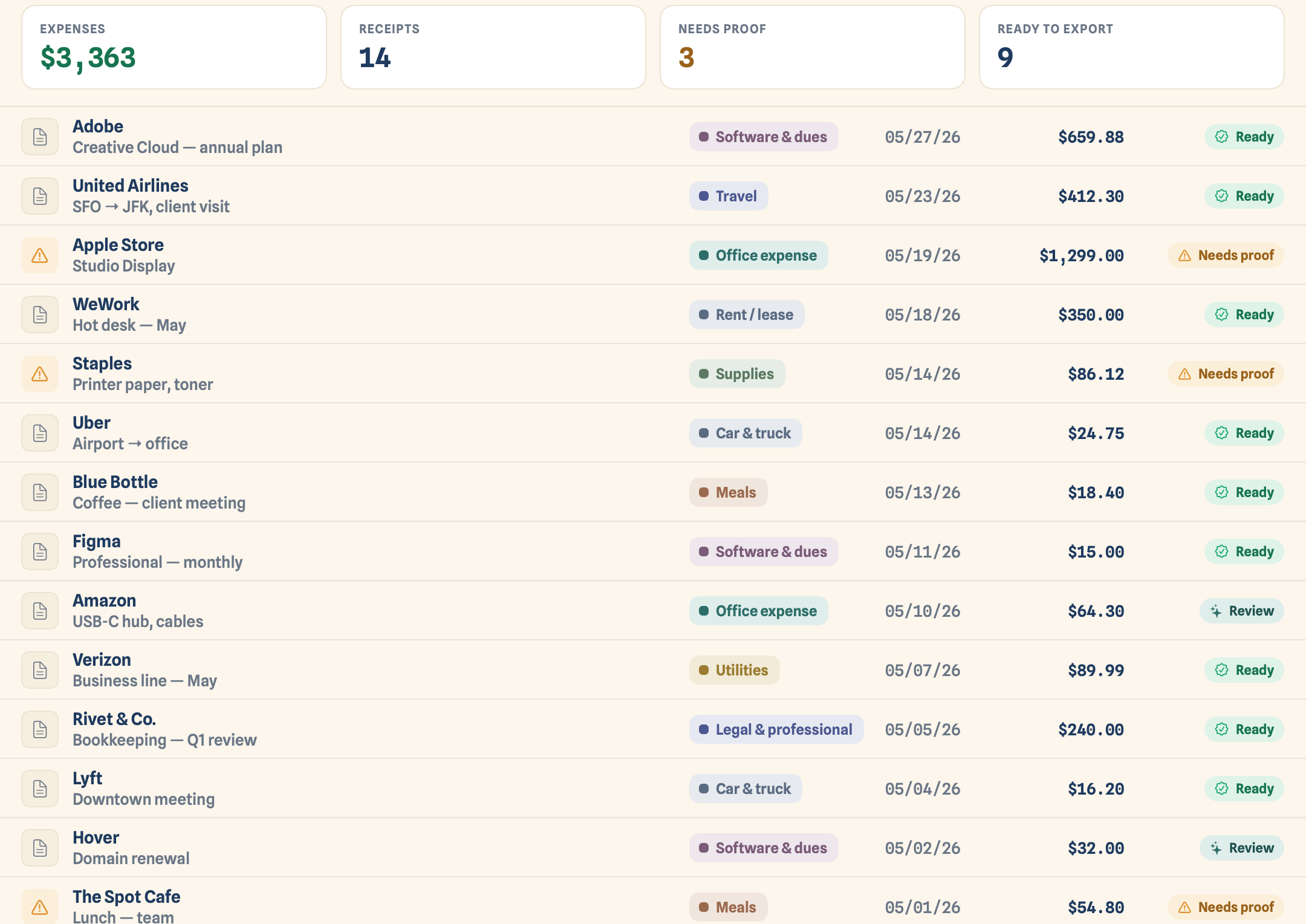
Capture on the go, then sit down at your Mac to review, edit, and export with a full-width table.
Import in bulk
Drag a folder of PDFs and photos in, then review the parsed drafts in one quick pass.
Room to work
Search, filter, and edit receipts side by side in a proper table.
Always in step
An iCloud-synced ledger and dashboard — capture on iPhone, export from your desk.
Pay once. Yours forever.
Start free, and unlock Pro with a single one-time purchase — no subscription, nothing renewing in the background.
- ✓Read & sort receipts
- ✓Up to 50 receipts
- ✓The full dashboard
- ✓One project
- ✓Unlimited receipts
- ✓Export bundles — CSV + images + summary
- ✓Multiple projects & clients
- ✓Multi-device iCloud sync
One purchase covers iPhone, iPad, and Mac.
Receipt organization guide
Turn a pile of receipts into usable records.
A simple, source-backed workflow for organizing business and tax receipts before filing season.